
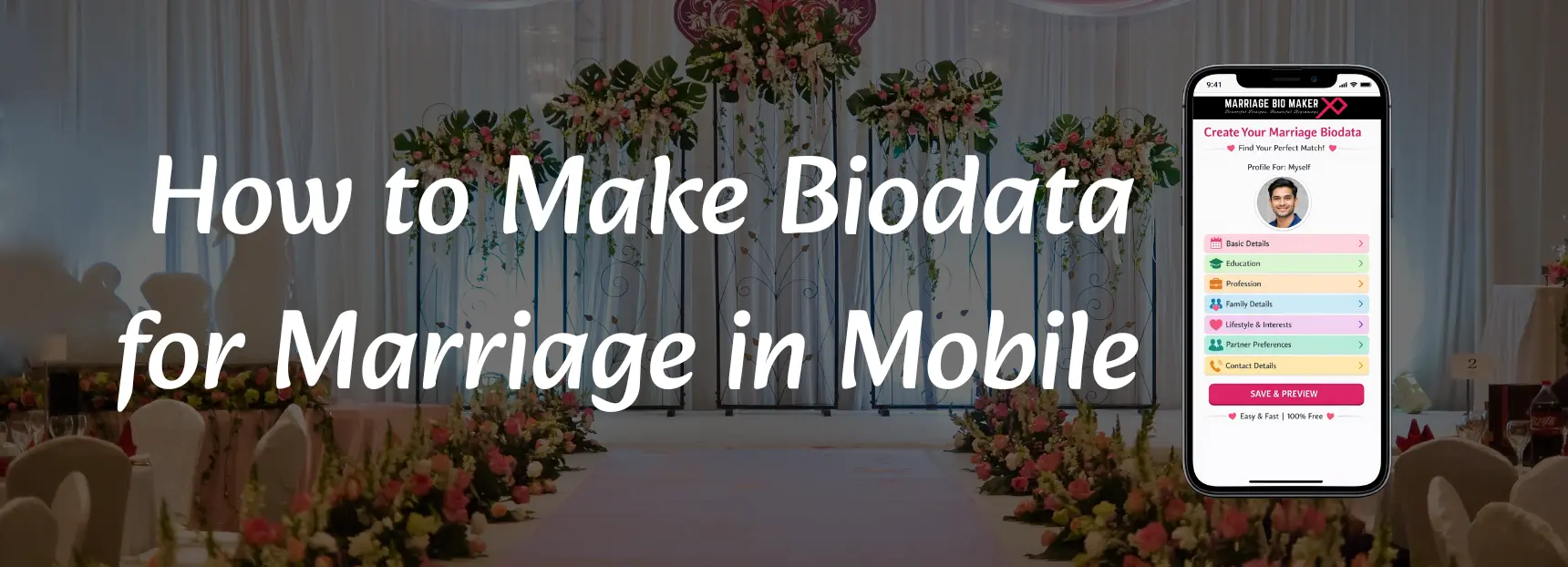
Mobile Se Shadi Ka Biodata Kaise Banaye – Complete Step-by-Step Tutorial
If you are searching for how to make biodata for marriage in mobile, this is the most complete and practical guide you will find.
Today, most people do not use computers to create documents. They want to:
- Make marriage biodata in mobile
- Create biodata PDF on phone
- Download biodata in Word format
- Share biodata directly on WhatsApp
Whether you are using Android or iPhone, you can easily create a professional marriage biodata in mobile within minutes.
This guide covers:
- MS Word App method
- Google Docs method
- Canva app method
- Free marriage biodata maker method
- PDF download process
- WhatsApp sharing steps
- Common mistakes
- Ready-to-copy biodata template
What You Need Before Creating Marriage Biodata in Mobile
Before you start making a shadi ke liye biodata mobile se, keep these ready:
- Personal details (name, age, height)
- Education details
- Profession details
- Family background
- Partner preference
- Clear photo (formal or traditional)
Having this ready makes the process faster.
Method 1 – Using Free Marriage Bio Maker (Best & Fastest)
If you want zero formatting issues, use our free marriagebiomaker.com in mobile.
Benefits:
- Pre-structured format
- No alignment problem
- Auto section placement
- Word & PDF download
- WhatsApp ready
Steps:
- Open MarriageBioMaker Website in mobile browser
- Fill form fields
- Upload photo
- Preview biodata
- Download PDF or Word
This is the fastest method.
Method 2 – How to Make Biodata in Word on Mobile
Steps:
- Install Microsoft Word App from Play Store / App Store
- Open the app and click “New Document”
- Select blank document
- Add heading: “Marriage Biodata”
- Add sections:
Personal Details
Education
Profession
Family Details
About Me
Partner Preference
Contact Information - Insert photo (Insert → Pictures)
- Adjust font size and spacing
- Save as Word file
- Export as PDF
Method 3 – How to Create Marriage Biodata Using Google Docs on Phone
Steps:
- Install Google Docs App
- Tap “+” → New Document
- Add structured headings
- Insert photo
- Format text using bold and spacing
- Tap “Share & Export”
- Download as PDF
Method 4 – How to Make Marriage Biodata in Canva App
Steps:
- Install Canva App
- Search “Marriage Biodata Template”
- Choose simple layout
- Edit text
- Upload your photo
- Download as PDF
How to Download Biodata PDF in Mobile
If using Word or Docs:
- Go to “Export” → Select PDF → Save to device
PDF is recommended because:
- Layout does not break
- Easy to share
- Looks professional
How to Send Marriage Biodata on WhatsApp
After downloading PDF:
- Open WhatsApp
- Select contact
- Tap attachment icon
- Choose “Document”
- Select biodata PDF
- Send
Avoid sending screenshots. Always send PDF.
Best Free Marriage Biodata Apps for Android & iPhone
You can use:
- Online Marriage Bio Maker
- MS Word app
- Google Docs
- Canva
Ready-to-Copy Marriage Biodata Format (Mobile Friendly)
You can copy this and paste in Word or Docs:
Marriage Biodata
Name: ________
Date of Birth: ________
Age: ________
Height: ________
City: ________
Mother Tongue: ________
Education: ________
Profession: ________
Income: ________
Family Details:
Father: ________
Mother: ________
Siblings: ________
About Me: ________
Partner Preference: ________
Contact: ________
This works for:
- Hindi Biodata
- English Biodata
- Divorced Biodata
- Widow / Widower Biodata
Common Mistakes While Making Biodata in Mobile
- Too many fonts
- Large paragraphs
- Blurry photo
- Resume format
- No family details
- Sending screenshot instead of PDF
Pro Tips for Professional Marriage Biodata from Mobile
- Keep biodata 1-2 pages
- Use formal language
- Use simple font (Calibri / Arial)
- Maintain proper spacing
- Keep photo passport size
- Always proofread
Why Creating Biodata in Mobile is Better in 2026
- Fast editing
- Instant sharing
- No need for computer
- Easy PDF download
- Cloud storage
Final Thoughts
Now you know exactly how to make biodata for marriage in mobile using different methods. Whether you prefer Word, Google Docs, Canva, or free marriagebiomaker, you can create a clean, professional biodata directly from your phone and download it in Word or PDF format.